
Street Fighter IV Champion Edition
Popular Games
Last Played
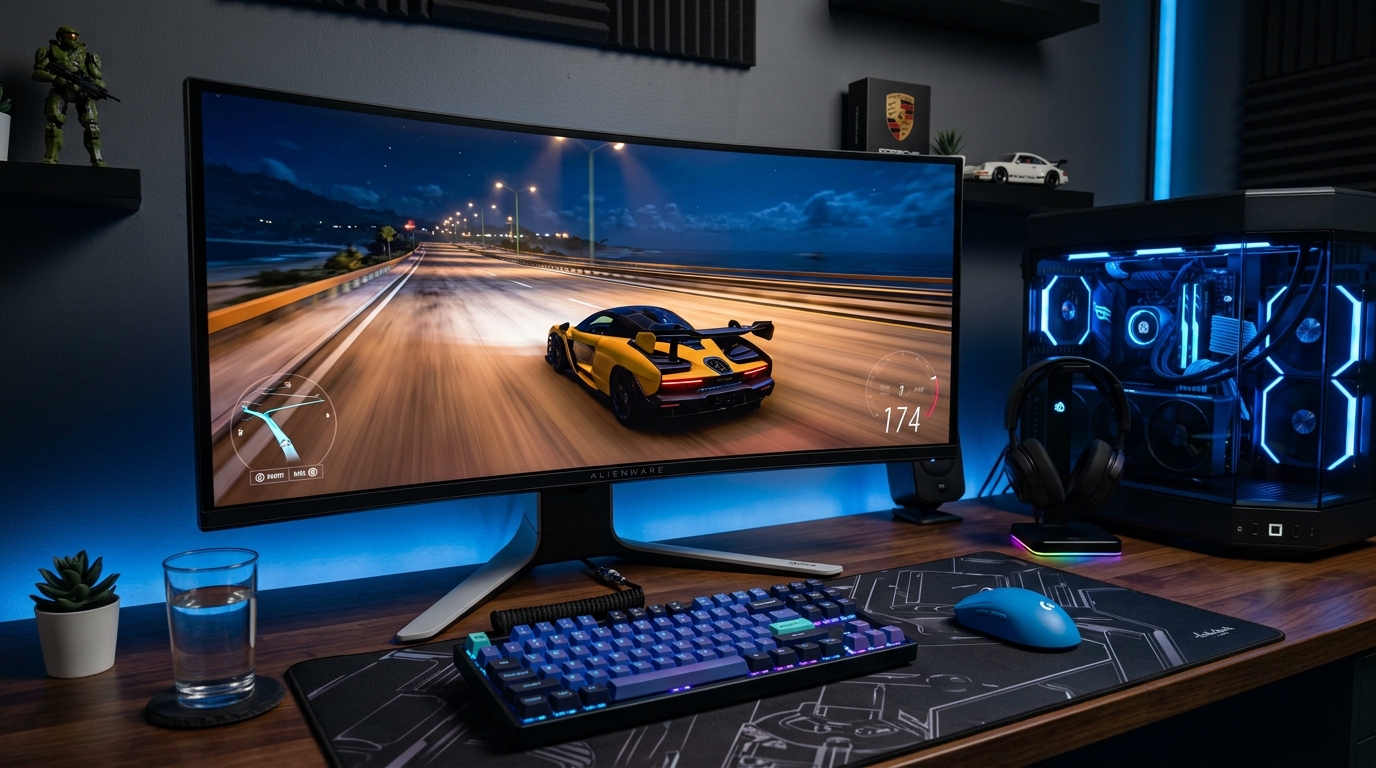
One of the best things about browser-based gaming is that it isn't tied to one type of device — but that doesn't mean the experience is identical everywhere. Here's how playing on a PC compares to playing on a phone or tablet, and what to consider when choosing between them.
Playing browser games on a desktop or laptop generally means a larger screen, a full keyboard, and precise mouse control — all of which matter for genres that rely on quick reflexes or precise input, like racing games, shooting games, or anything requiring fine-grained control.
A larger screen also simply shows more detail, which benefits visually rich games like 3D titles or games with a lot happening on-screen at once.
Playing on a phone or tablet trades some precision for pure convenience — your device is already with you, there's no need to sit down at a desk, and touch controls work naturally for many casual genres, especially puzzle games, tap-based hypercasual games, and simple arcade titles.
Mobile browser gaming is also naturally suited to shorter sessions — the kind of quick break you can take almost anywhere, without needing to be at a computer.
Because browser games don't require installation, there's no real downside to switching between devices depending on the moment — play a quick puzzle on your phone during a break, then switch to a racing game on your PC later, without downloading anything twice or managing separate accounts.
Everything on Game Arcade works across PC, tablet, and mobile — browse our full game library and find what fits whichever device you have in hand.